
The platform
Projects
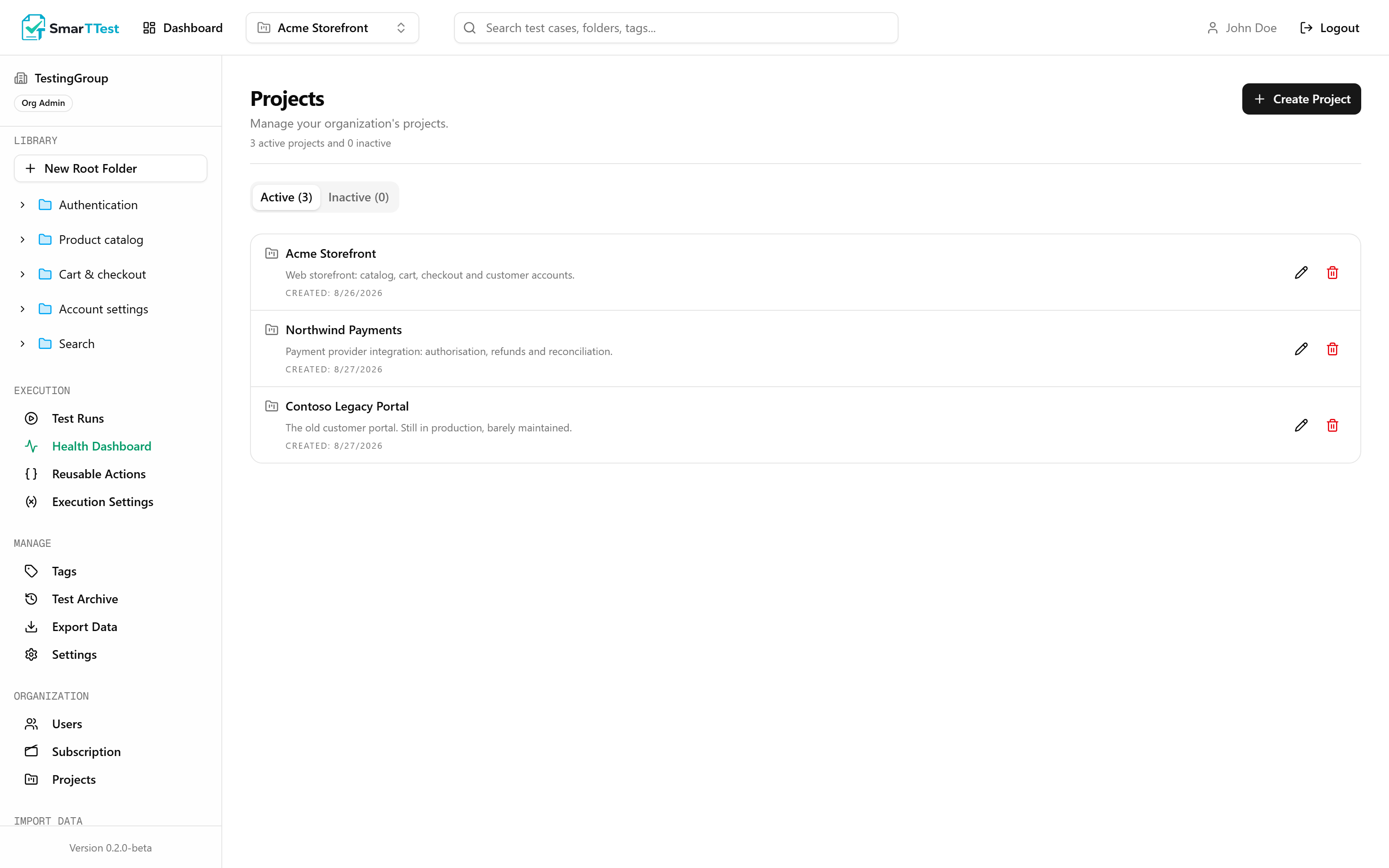
A project is the boundary around a body of testing work. Folders, tests, tags, runs, reusable actions and runners all belong to exactly one.
What a project is for#
A project is an isolation boundary. Everything inside one is invisible from the others: tests, folders, tags, runs, reusable actions, variables and runners all belong to exactly one project and never leak across.
That matters in two common situations. A company with several unrelated products does not want one team browsing another team's test library, or picking the wrong tag when building a run. An agency or consultancy testing for several clients has a harder requirement: one client's data must never be reachable from another client's workspace, and that has to hold whether the access is through the interface, an export, or an AI agent connected to the MCP.
The rule for splitting is not size. It is whether the two sets of tests would ever belong in the same run. If they never would, they belong in separate projects.
Only one project is active at a time. The active project decides what the sidebar shows, what a new test gets attached to, and what a run can pull from. Switching projects switches the entire workspace.
What a project holds#
| Parameter | Type | Description |
|---|---|---|
| namereq | string | Unique within your organization. |
| description | string | Free text. Useful when several projects have similar names. |
| runnerBrowser | chrome | msedge | chromiumdefault chrome | Which browser the runner drives for this project's tests. Configured in Execution Settings. |
| runnerViewportWidth | numberdefault 1920 | Window width used during execution, and the width of the recorded video. |
| runnerViewportHeight | numberdefault 1080 | Window height used during execution. |
Active and inactive projects#
Projects are never deleted outright. Deactivating one puts it in read-only mode: everything stays visible and exportable, but nothing inside it can be created, edited, or executed. This is what you want when a product is retired but its test history still matters for audits.
- An inactive project still appears in exports and in the archive.
- Runs that were open when it was deactivated stay open, but cannot be modified.
- Reactivating restores full access. Nothing is lost in between.
Read-only is enforced everywhere
getWritableProject rejects an inactive project before any write happens.Folders inside a project#
Folders are the tree in the left sidebar. They nest as deep as you like, and a test lives in exactly one of them. Folder names are capped at 30 characters, which is deliberate: a folder tree stops being navigable when the names are sentences.
Choosing a structure
The structure that survives is usually the one that mirrors how the product is discussed: by feature area, not by test type. "Checkout", "Search", "Account" ages well. "Regression", "Smoke", "P1" does not, because a single test belongs to several of those at once. That is what tags are for.
Note
Who can manage projects#
Creating, renaming, and deactivating projects is restricted to Org Admins. Testers work inside whatever projects exist. See Users & Roles.
Through the MCP#
An agent lists the projects it can reach with list_projects, which returns the id every other tool needs. There is no tool to create or delete a project. That stays a human decision made in the app.