
The platform
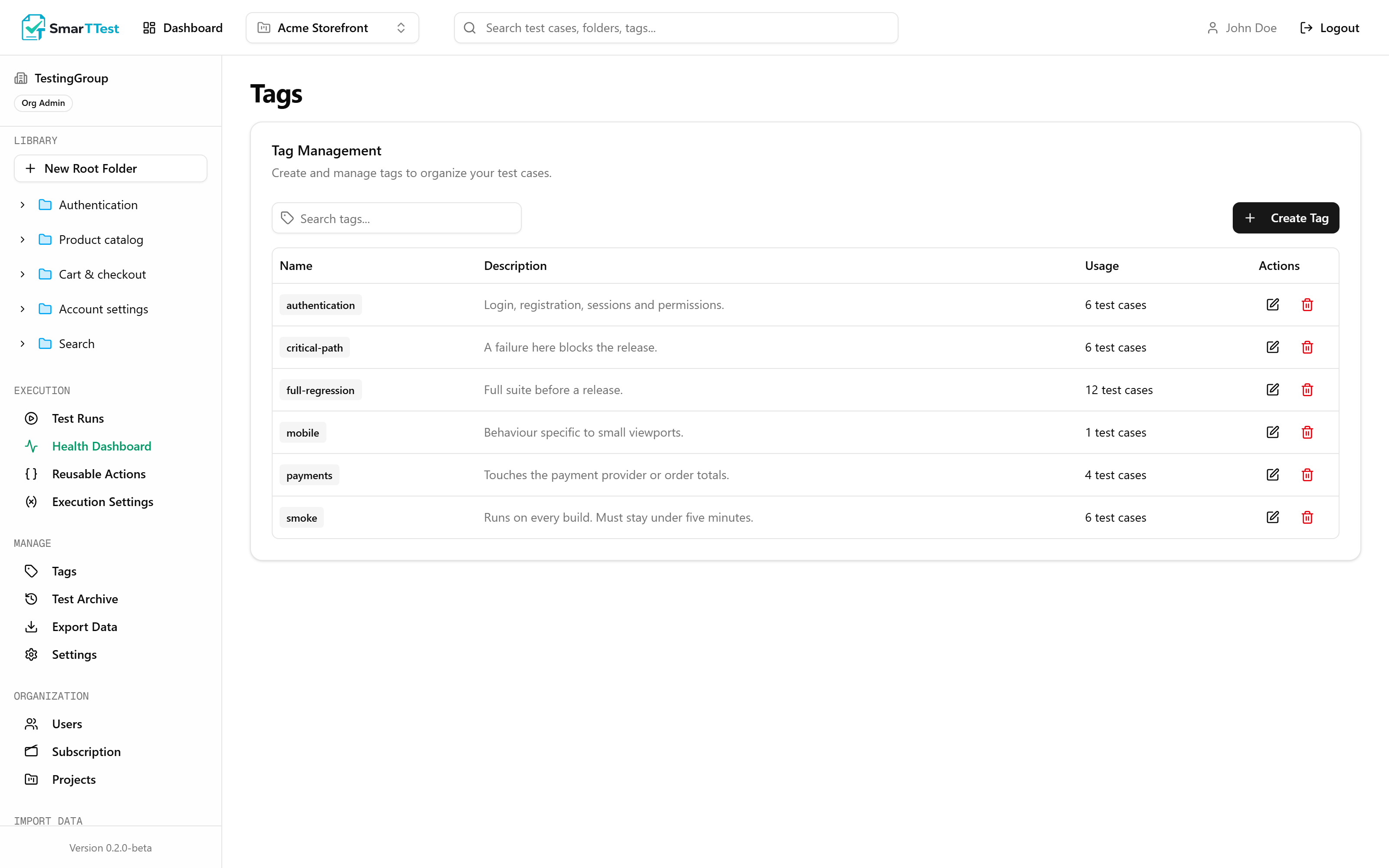
Tags
Folders answer where a test lives. Tags answer everything else, and a test can carry as many as it needs.
Why tags exist#
A test belongs to exactly one folder, which is the right model for "what part of the product is this?". But the same test is also part of the smoke suite, also touches payments, also only matters on mobile. Those are not places. They are properties, and a folder tree cannot hold more than one of them at a time.
Tags are that second axis. Their real payoff shows up when you build a run: scoping it to a tag pulls in the right tests no matter which folders they live in.
What a tag holds#
| Parameter | Type | Description |
|---|---|---|
| namereq | string | Short and lowercase works best. |
| description | string | What qualifies a test for this tag. Worth filling in, because it is what stops a tag from meaning three different things to three people. |
Using them well#
- Suites:
smoke,regression,release-blocker. These are the ones you will scope runs to most often. - Risk and domain:
payments,auth,gdpr. Useful when a change lands in one area and you want everything that touches it. - Context:
mobile,slow,needs-real-data. These tell you what a test costs to run.
Keep the list short
Scope#
Tags belong to a project, and you see the ones for whichever project is active. Removing a tag from a test does not delete the tag; deleting the tag removes it from every test that carried it, but does not touch the tests themselves.
Note
smoke without knowing about each other, so you can name tags for what they mean instead of working around what someone else already took.Through the MCP#
list_tags and create_tag. Tags are also applied and removed as part of create_test and update_test, by name rather than by id, so an agent can tag a test without looking anything up first. See the tool reference.