The platform
Users & Roles
Everyone in an organization can read and write tests. The roles differ in who can change the things that affect everybody else.
The organization#
An organization is the account boundary. All its users share the same projects, tests, runs, and variables, and nothing crosses from one organization to another.
The two roles#
| Parameter | Type | Description |
|---|---|---|
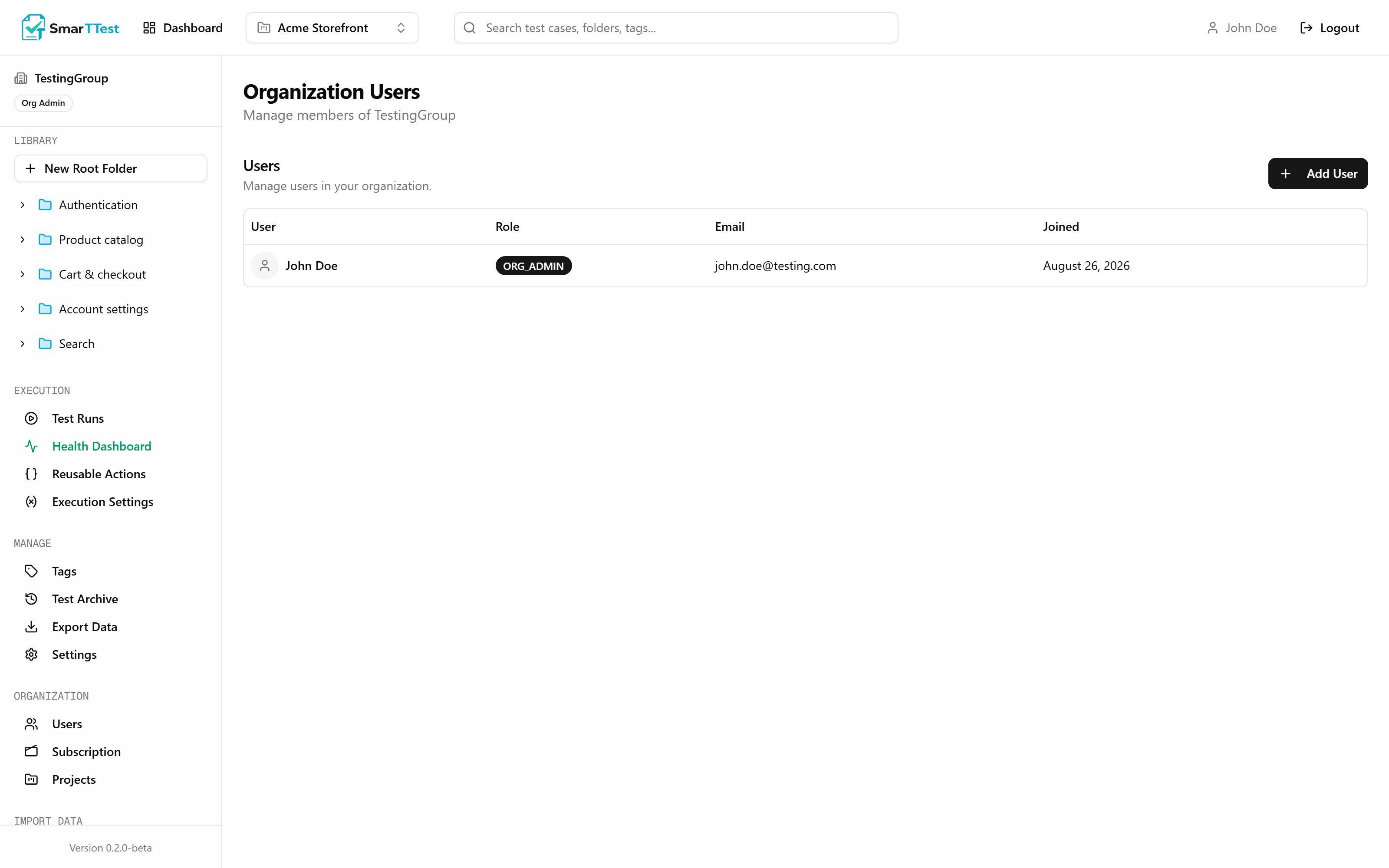
| TESTER | roledefault assigned on creation | Full day-to-day access: create and edit tests, folders and tags, create and execute runs, record results, browse the archive, export data. |
| ORG_ADMIN | role | Everything a Tester can do, plus the shared configuration: projects, reusable actions, execution settings, runners, users, and the subscription. |
What the extra permissions cover#
The split is not about trust in someone's testing. It is about which actions are hard to undo, or affect everyone at once:
- Projects: creating and deactivating them changes what the whole team sees.
- Reusable actions: one edit changes behaviour across every test that uses the block.
- Execution Settings: this screen holds credentials and issues runner tokens, so it is genuinely sensitive.
- Users and subscription: who is in the account, and what it costs.
- TestRail import: a bulk write across the whole library.
Note
Restrictions are enforced on the server, not just hidden in the interface. That applies to the MCP too: an agent acts with the permissions of the user whose account it is connected through, so it cannot do anything that user could not do themselves.
Adding people#
Org Admins add users from Organization → Users. New users are created as Testers; promote them afterwards if they need more.
Seats depend on your plan
The Free tier is limited to a single user. Adding a second requires upgrading. See Organization → Subscription.
Choosing roles#
- Default to Tester. It covers everything the job needs day to day.
- Org Admin for whoever maintains the setup: usually the person who owns environments, variables, and the runners.