
The platform
Test Archive & History
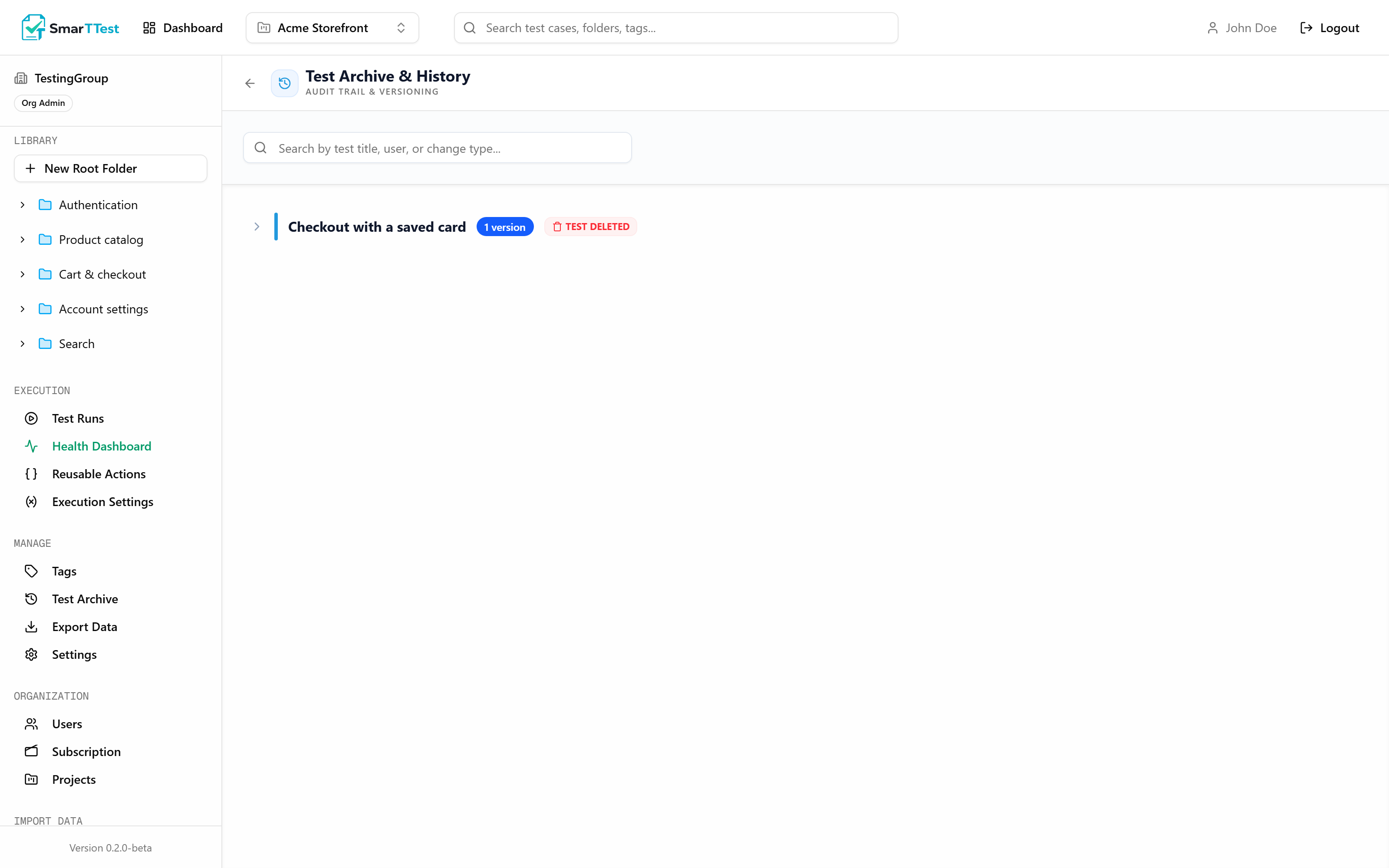
Nothing in SmarTTest is ever really deleted. Deleting a test archives it, and this is where archived tests and the full edit history of every test live.
Deleting is archiving#
When you delete a test it gets a deletion timestamp and disappears from the folder tree, from searches, and from new runs. The record itself stays exactly where it was, along with every result it ever produced.
This matters more than it sounds. A test deleted last March is still referenced by every run it appeared in. Destroying it would leave those runs with holes, and a run with holes cannot be used as evidence of anything.
The history trail#
Beyond archived tests, this screen holds the change history for tests that are still active. Every meaningful change is recorded with who made it and when: creation, edits, archiving, and restoration.
- Answer "when did this test change, and who changed it?" without guessing.
- Understand why a test that used to pass now fails: sometimes the product changed, sometimes the test did.
- Keep the audit trail regulated environments ask for.
Restoring#
Restoring puts the test back where it was, with its steps, automation, tags, and history intact. The restoration itself is recorded too. If the folder it belonged to is gone, restore the folder first.
Note
Deleting a folder#
Deleting a folder archives the tests inside it rather than destroying them. They all show up here and can be restored individually.
Heads up
Inactive projects#
In a deactivated project the archive is readable but restoration is blocked, like every other write. See Projects.
Through the MCP#
archive_test and restore_test. To see archived tests in a listing, pass includeArchived: true to list_tests: they are excluded by default. See the tool reference.